
BRAOU (AP) Student Login: Enrolment Number, ABC ID and DEB ID
BRAOU-AP undergraduate applicants must log in to the university portal to verify application status and complete document requirements. All distance learners must also generate a 12-digit Academic Bank of Credits (ABC/APAAR) ID via DigiLocker/ABC portal and a mandatory UGC DEB ID on the DEB portal. The DEB ID is required for ODL admission and remains valid lifelong.
Key facts
| UG Admission Status | Check regularly via student login portal |
|---|---|
| ABC / APAAR ID Format | 12-digit unique ID |
| DEB ID Mandate | Mandatory for all ODL admissions starting 2024–25 |
| DEB ID Validity | Lifelong across ODL and Online learning modes |
| Toll-Free Helpdesk | 1800-425-4868 |
| Helpdesk Email | helpdeskdrbraouap@gmail.com |
UG Admission Login and Document Verification
For UG First Year admissions (BA, B.Com, B.Sc, B.Li.Sc) in the 2026–27 academic year, the university document verification process is active. Applicants must log in to the BRAOU-AP admission portal to monitor their application status.
If document verification is marked as unsuccessful, applicants must log into their account, review the remarks provided, and re-upload or edit the required documents accordingly.
Steps to Create an ABC / APAAR ID
A 12-digit Academic Bank of Credits (ABC) or APAAR ID is mandatory before completing BRAOU-AP registration. Detailed instructions are also published in the BRAOU ABC and DEB ID guide.
- Go to the official ABC web portal (abc.gov.in) or open the DigiLocker portal.
- Select the ‘Login / Register’ tab and choose ‘Student’.
- Click on ‘Sign Up’ for new registration.
- Enter your Aadhaar-linked mobile number and click ‘Generate OTP’.
- Enter the OTP received on your mobile phone and click ‘Sign In’.
- Authorize the portal to access your basic details (Name, Date of Birth, Gender, Photo) and click ‘Continue’.
- Fill in the required fields in the ABC ID form.
- Select ‘None’ under Identity Type, enter ‘Dr. B.R. Ambedkar Open University, Eluru, Andhra Pradesh’ as your institution name, and click ‘Submit’.
- Your 12-digit ABC/APAAR ID will be displayed; click ‘Go to Dashboard’ and click the download button to save your APAAR Card.
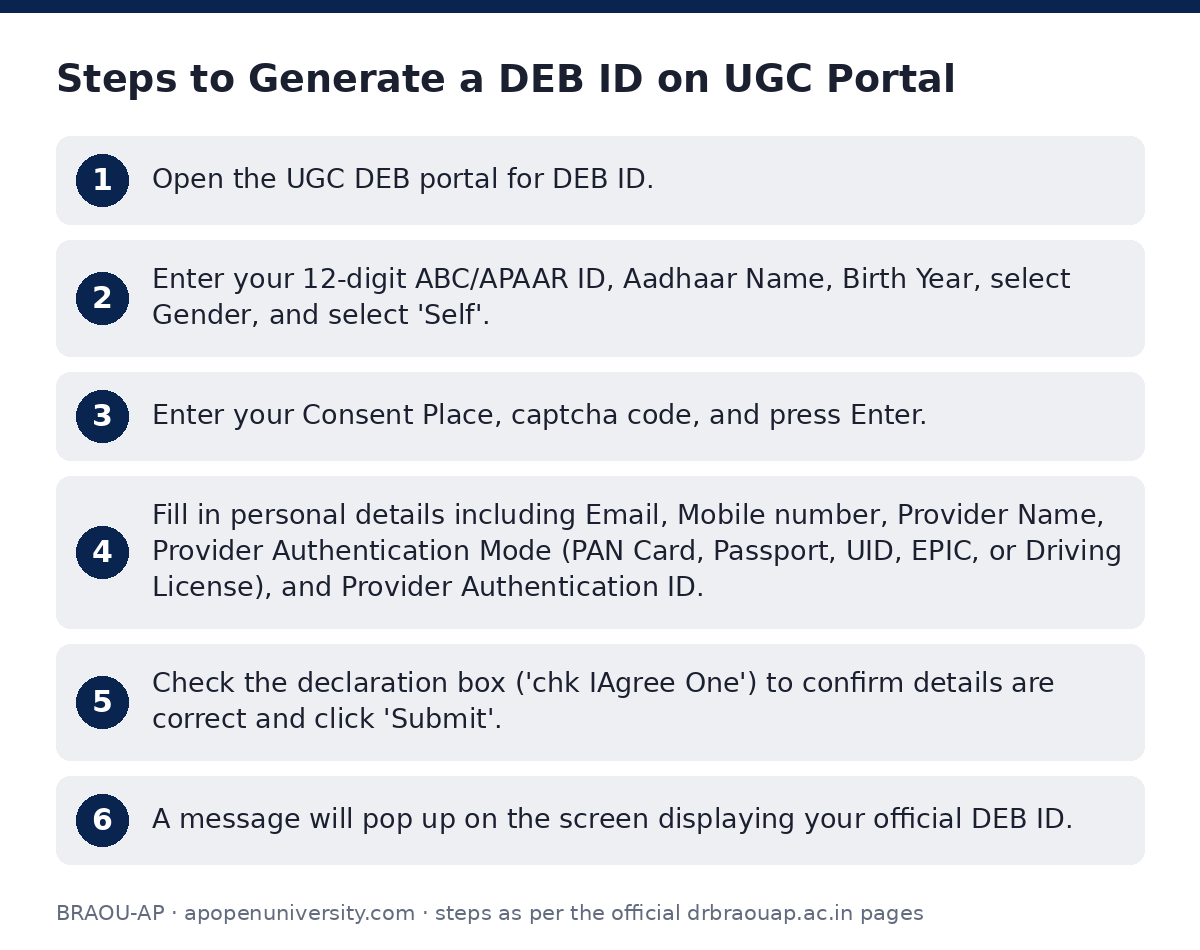
Steps to Generate a DEB ID on UGC Portal
The Distance Education Bureau (DEB) ID is mandatory for enrolling in any ODL/Online programme. Learners must create a DEB ID using their existing ABC ID on the UGC DEB ID creation portal.
- Open the UGC DEB portal for DEB ID.
- Enter your 12-digit ABC/APAAR ID, Aadhaar Name, Birth Year, select Gender, and select ‘Self’.
- Enter your Consent Place, captcha code, and press Enter.
- Fill in personal details including Email, Mobile number, Provider Name, Provider Authentication Mode (PAN Card, Passport, UID, EPIC, or Driving License), and Provider Authentication ID.
- Check the declaration box (‘chk IAgree One’) to confirm details are correct and click ‘Submit’.
- A message will pop up on the screen displaying your official DEB ID.
Correcting and Updating DEB ID Details
If there are discrepancies in your DEB ID or APAAR/ABC details, you must correct your APAAR card prior to updating your DEB ID record.
- Inspect your APAAR card for errors in name, date of birth, or gender.
- Submit a ticket at support.abc.gov.in, use the DigiLocker app, or call ABC support at 18008893511 to request corrections.
- Confirm that your APAAR card has been updated with correct information.
- Open the link to update your DEB details and finalize the update.
DEB ID Mandate and Lifelong Validity Rules
As per UGC regulations, generating a unique DEB ID on the UGC-DEB web portal is compulsory for all students enrolling in ODL and Online programmes starting from the 2024–25 academic year.
According to UGC DEB FAQs, students cannot enrol in any ODL or Online programme without a valid DEB ID. Once generated, the DEB ID remains valid across the entire lifecycle of ODL and Online learning. For background details on institutional recognition, consult the UGC DEB About page or review the official UGC DEB circular PDF.
Important BRAOU-AP links
| What you can do | Official page |
|---|---|
| open DigiLocker to create ABC ID | www.digilocker.gov.in/ |
| open UGC DEB ID portal | deb.ugc.ac.in/StudentDEBId/ |
| access UGC DEB student registration page | deb.ugc.ac.in/StudentDEBId |
| read UGC DEB FAQs | deb.ugc.ac.in/StudentDEBId/FAQ |
| read background on DEB ID purpose | deb.ugc.ac.in/StudentDEBId/About |
| update existing DEB ID details | deb.ugc.ac.in/StudentDEBId/UpdateDebDetails |
Official documents (PDF)
- ABC ID Creation PDF — Step-by-step PDF guide for ABC and DEB ID creation
- here PDF — UGC circular on mandatory DEB ID registration for ODL programmes
Frequently asked questions
Can I enrol in BRAOU-AP distance programmes without a DEB ID?
No. Students cannot enrol in any Open and Distance Learning (ODL) or Online programme without a valid DEB ID generated on the UGC portal.
What is the validity period of a DEB ID?
Once generated, a DEB ID remains valid for life across the student’s entire learning cycle in ODL and Online modes.
What details do I select under identity type while generating an ABC ID for BRAOU-AP?
In the ABC ID registration form, select ‘None’ under Identity Type, and enter ‘Dr. B.R. Ambedkar Open University, Eluru, Andhra Pradesh’ as your institution name.
What should I do if my BRAOU-AP UG application verification fails?
You must log into the admission portal, check the remarks provided in your account, and re-upload or edit the specified documents.
Who can I contact for technical support regarding BRAOU-AP registration IDs?
You can reach the university technical support team at +91 92479 71035, WhatsApp at 83328 63344, toll-free at 1800-425-4868 / 0866-2434868, or via email at helpdeskdrbraouap@gmail.com.
Sources
Written from the official BRAOU-AP pages and documents below, as read on 2 October 2026.
- Home | Dr.BRAOUAP drbraouap.ac.in
- check_list.pdf drbraouap.ac.in/…/check_list.pdf
- Generate DEB ID on UGC Portal → deb.ugc.ac.in/…/StudentDEBId
- Generate DEB ID on UGC Portal → deb.ugc.ac.in/…/StudentDEBId
- FAQs — Generate DEB ID on UGC Portal → deb.ugc.ac.in/…/FAQ
- ABC ID Creation drbraouap.ac.in/…/abcdebid.pdf
- here drbraouap.ac.in/…/ugc_circular_debID.pdf
- About DEB ID — Generate DEB ID on UGC Portal… deb.ugc.ac.in/…/About